Live now Chrome Extension

Turn your 3D printer into a money printer.

One click turns any 3D model into a ready-to-post Facebook Marketplace listing.

Sound familiar?

Printing is fun.
Listing is a grind.

Nine steps to sell one print. Then nine more for the next one.

Take photos Get them onto your computer Open Facebook's Create listing Write a title that sells Write a description from scratch Guess a price. Too high? Too low? Upload every photo Pick category and condition Publish then do it ALL again for the next print
With PrintLister, that whole list is one click.
How it works

A 3D file becomes a listing in one click.
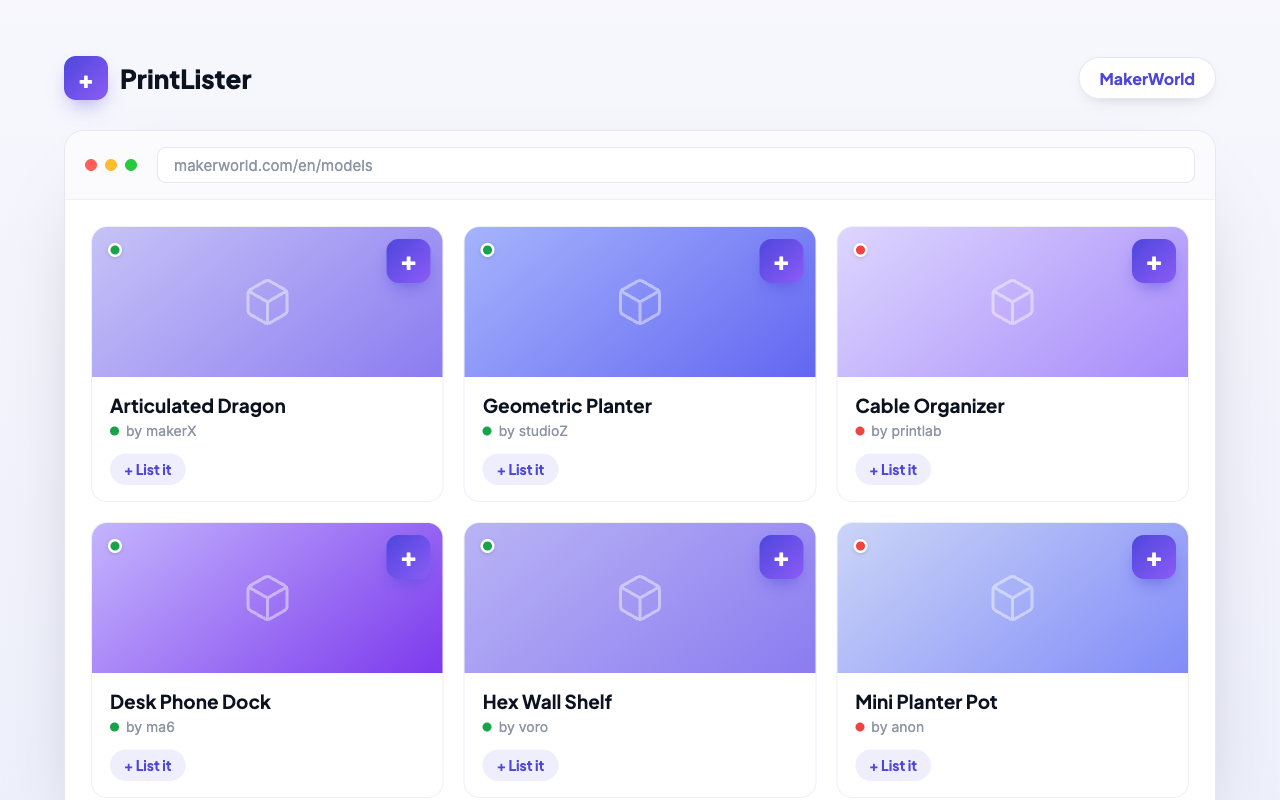
A plus button on every MakerWorld model

Click the + on any MakerWorld model, or add your own photos.
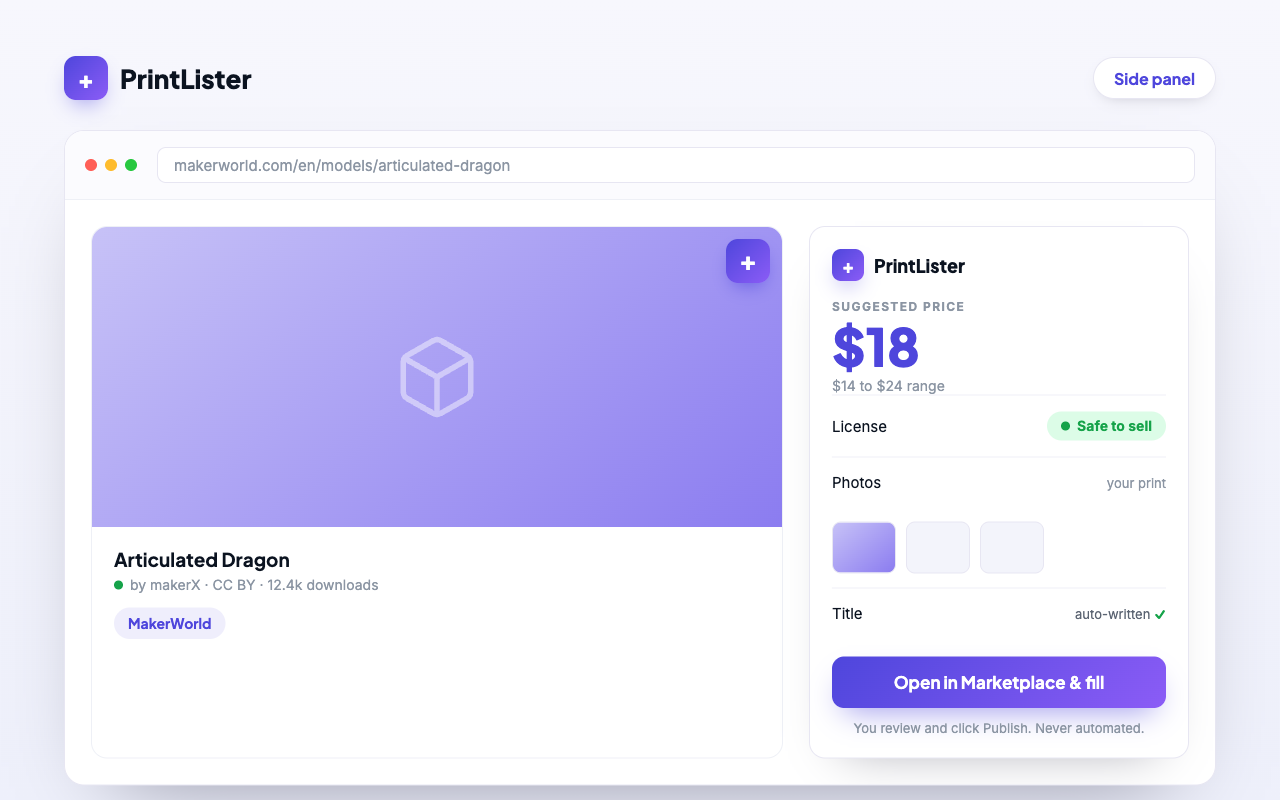
PrintLister writes the listing: title, description and a suggested price, all editable

PrintLister writes the title, description and price. Every field stays editable.
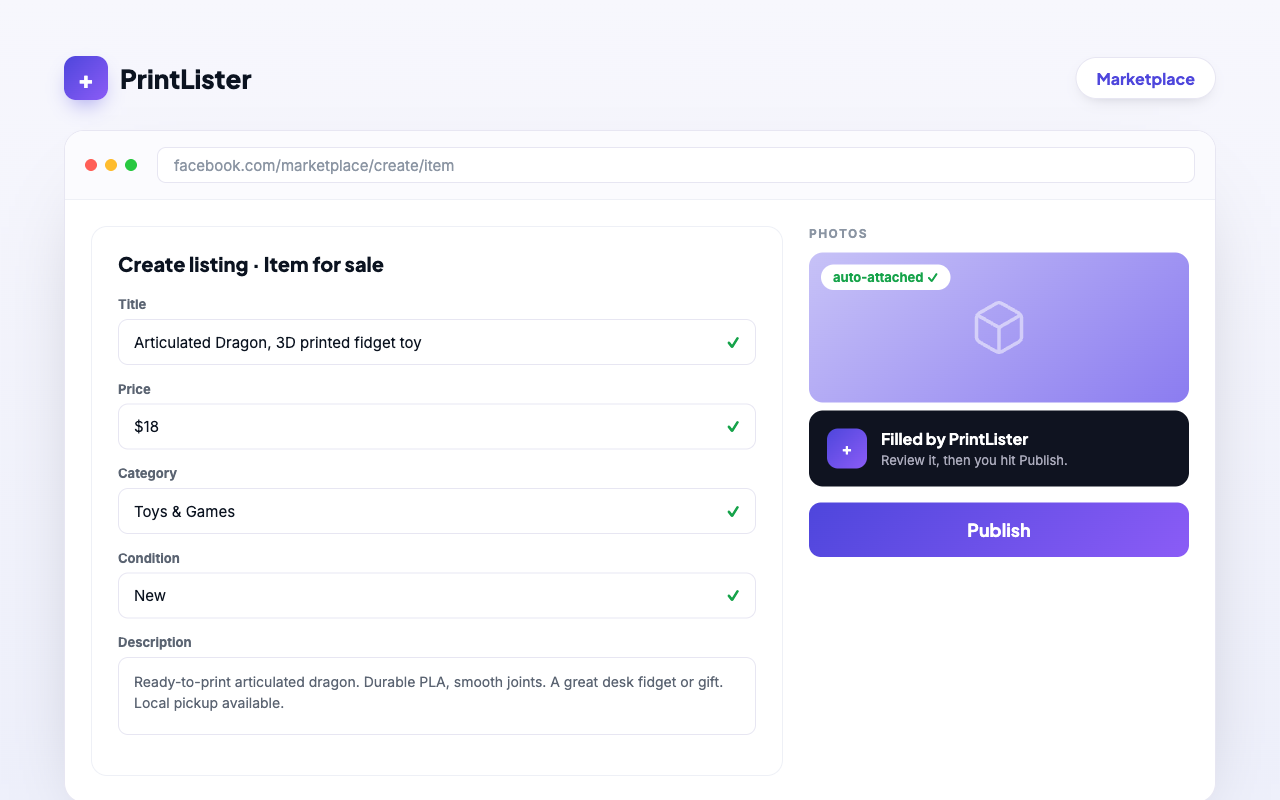
PrintLister fills Facebook's Create listing form

It fills Facebook's form. Hit publish, or turn on auto-post and it posts for you.

Not on MakerWorld?

Sell your own designs too.

Describe your item, drop in photos, and PrintLister builds the listing from scratch: title, description and a suggested price, ready to post.

Safe by design

Built to keep your account safe.

Auto-post is opt-in.

It stays OFF until you turn it on. You're in control in Settings.

Safe-to-sell check.

Green, yellow or red on every model.

Your login stays private.

It never sees your Facebook password.

Only two sites.

MakerWorld and Facebook. Nothing else.

Free to install. Set up in 2 minutes.

Add to Chrome · free
FAQ

Quick answers.

Do I need my files on MakerWorld?

No. Describe your item and drop in photos, and PrintLister builds the listing from scratch. MakerWorld just makes it one click.

Does it post automatically?

You choose. Auto-post is off by default. Turn it on in Settings and it can post batches of up to 10 listings for you.

Will it touch my Facebook password?

Never. It runs in your already-logged-in browser session and never sees or stores your password.

Is it free?

Free to install. You'll see everything else inside the extension.

Does it work on my phone?

The extension runs in Chrome on your computer. On your phone? We'll email you the link. Scroll up and drop your address.

Send feedback